
Dashboard Overview
What you see when you first log in to WBMSG.
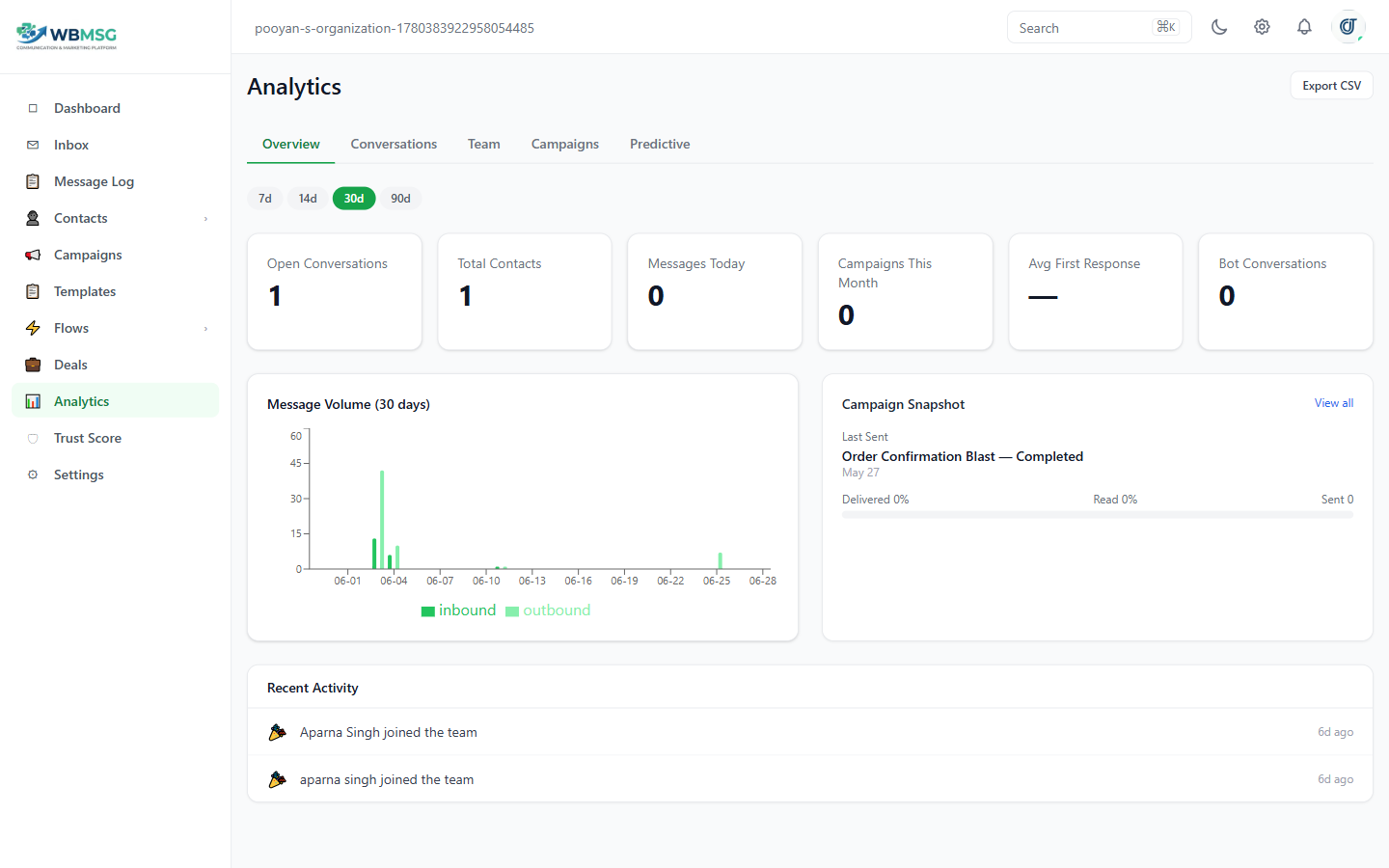
The dashboard greets you with a time-aware message — Good morning, Good afternoon, or Good evening — followed by your first name.
A WhatsApp status badge sits at the top of the page. It shows green 'WhatsApp Connected' when your account is linked and receiving messages, or amber 'WhatsApp Disconnected' when the connection is broken.
Plan Usage Widget
The Plan Usage widget appears on the dashboard and shows how close your organization is to its plan limits.
At the top of the widget, your current plan tier is shown as a badge.
If your organization has reached a plan limit, an amber warning banner lists the features that are currently unavailable and includes an Upgrade link.
Usage bars show consumption for: Contacts, Campaigns, Bots, Flows, Custom Fields, and Team Members.
Feature toggles display the current state of AI Bot (On or Off) and API Access (On or Off).
Was this article helpful?