
💼 Deals
Deals & Pipelines Overview
How the Deals module works and what you can see on the Kanban board.
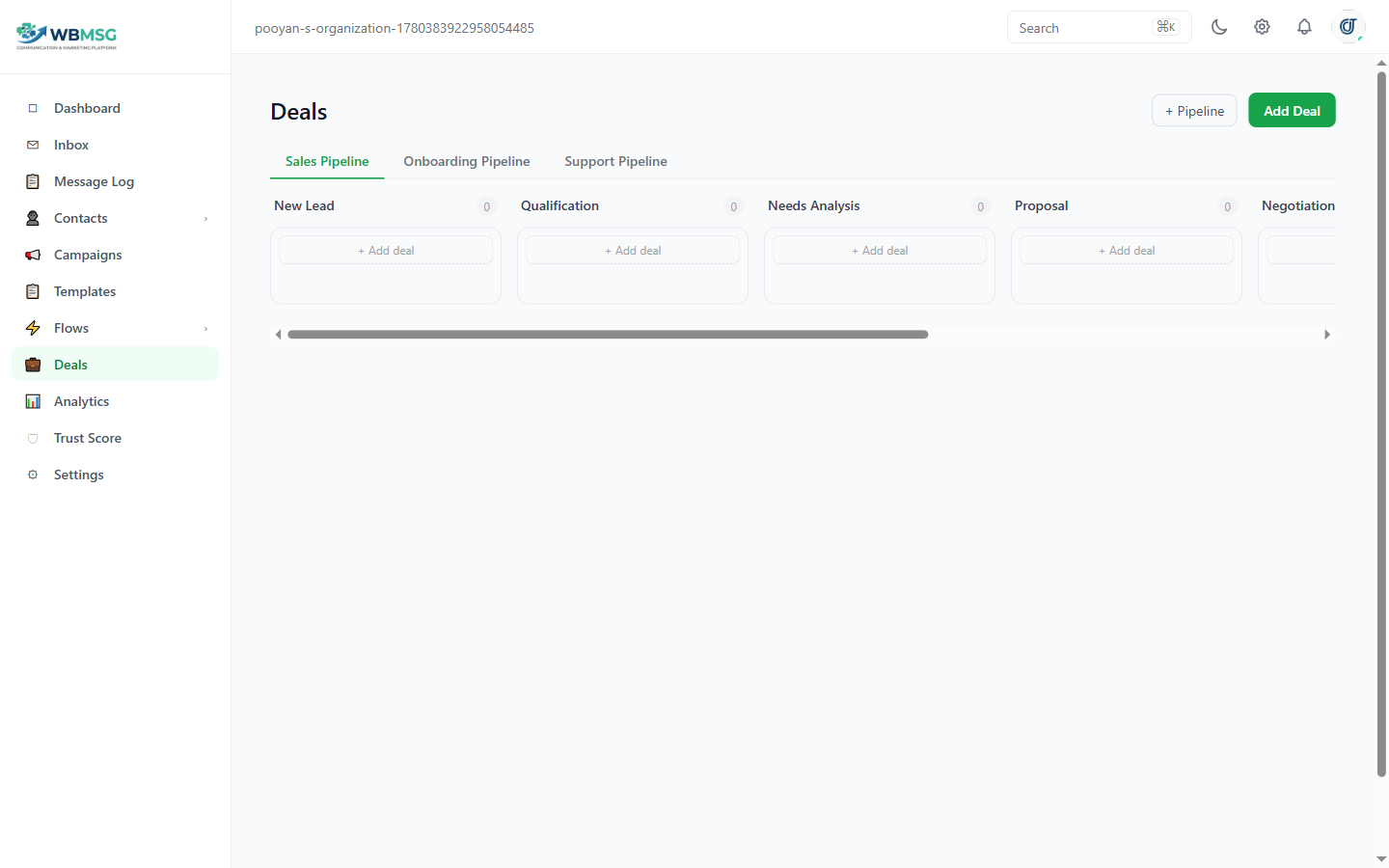
The Deals Kanban board — drag cards between stages to move deals through your pipeline
The Deals module gives you a Kanban board view for managing your sales pipeline. Each column on the board represents a stage, and each card represents a deal.
If you have multiple pipelines, switch between them using the pipeline dropdown at the top of the page.
The default pipeline stages are: Lead, Qualified, Proposal, Negotiation, Won, and Lost.
Deal Cards
Each deal card on the board shows: the deal title, the linked contact's name (if a contact has been attached), the deal value, and a truncated preview of the deal notes.
Drag and drop cards between stage columns to move a deal through the pipeline.
Was this article helpful?