
💬 Inbox
WhatsApp Inbox Overview
Understand the layout of the WBMSG inbox and how real-time messaging works.
Three-Panel Layout
- Conversation List (left) — all conversations sorted by most recent message
- Message Thread (center) — the full conversation history and compose form
- Contact Panel (right, toggleable) — contact details, fields, and deal links
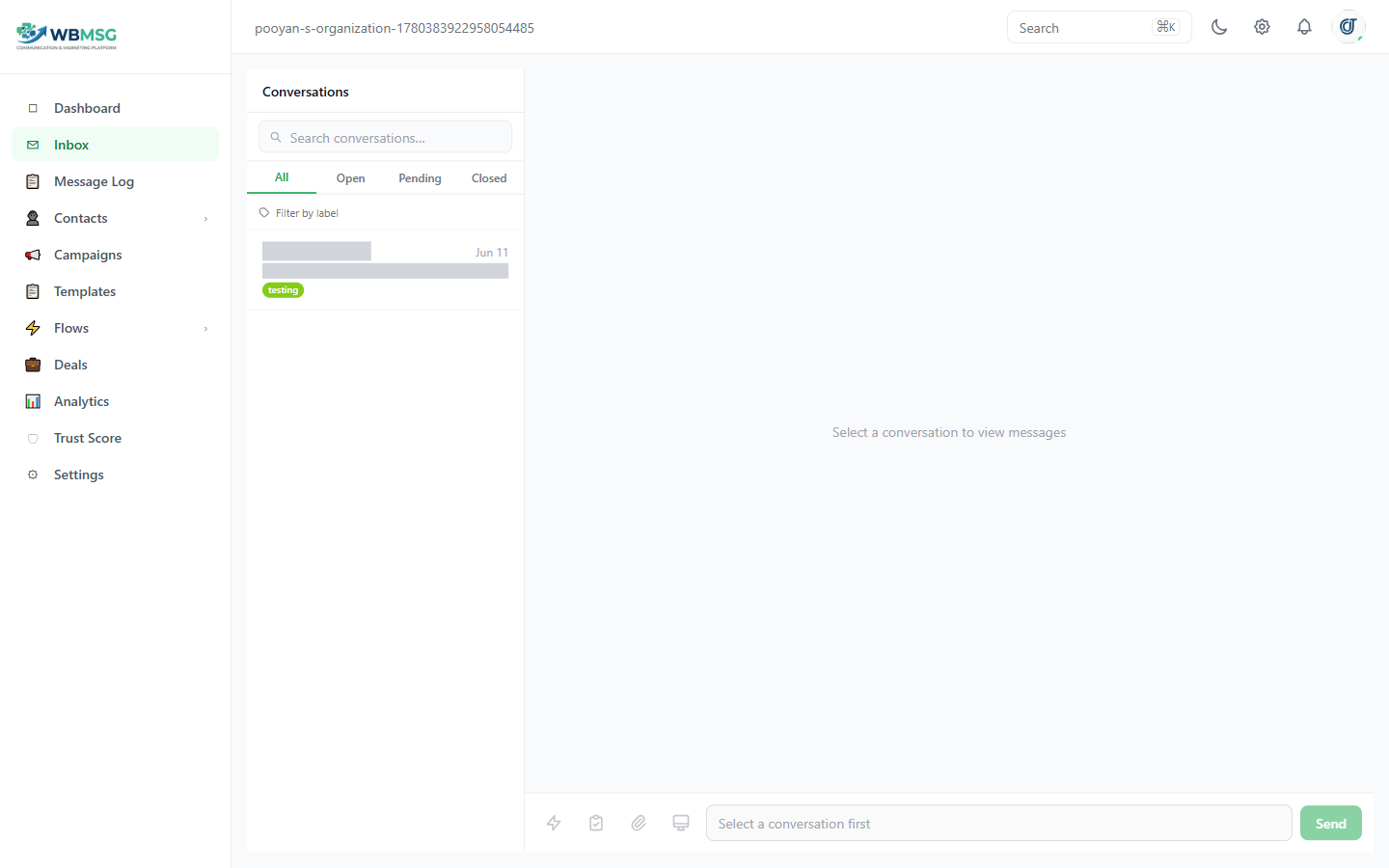
The WBMSG inbox: conversation list (left), message thread (center), contact panel (right)
The inbox updates in real time via Socket.io — new messages appear instantly without a page refresh.
When an automation is responding on behalf of your team, an amber banner with a spinner appears at the top of the message thread to indicate the bot is active.
Was this article helpful?