
What Are WhatsApp Templates?
Understand why Meta requires pre-approved templates and how they enable outbound messaging.
The 24-Hour Messaging Window
WhatsApp allows businesses to send free-form messages to a contact only within 24 hours of the contact's last message to you. This is the customer service window. Once that window closes, you must use a pre-approved Message Template to initiate or re-open a conversation.
Templates are reviewed by Meta before you can use them. This ensures outbound business messages meet WhatsApp's content policies.
Template Categories
Every template belongs to one of three categories:
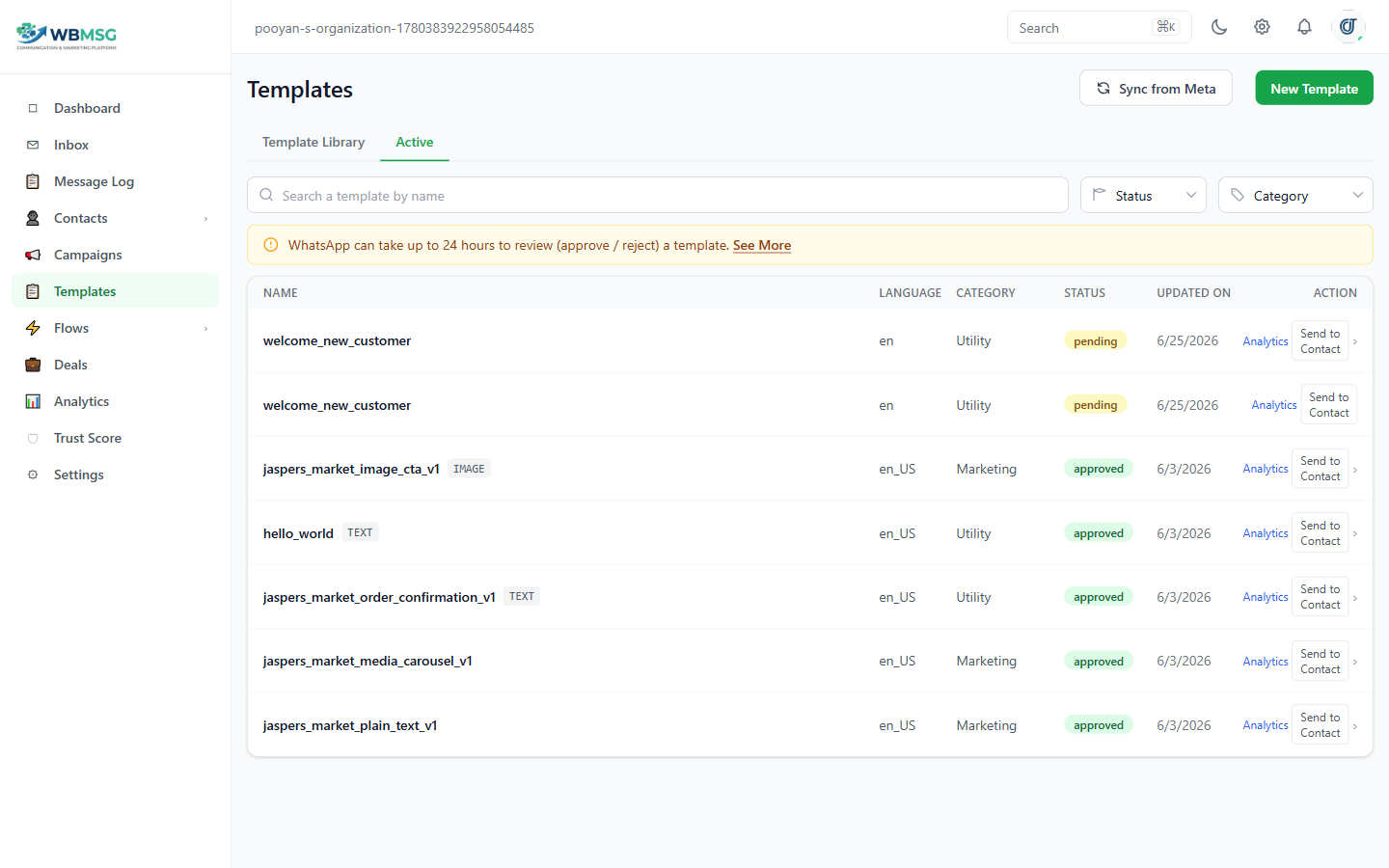
- Marketing — promotions, offers, announcements, and re-engagement campaigns. Most business outreach templates are Marketing.
- Utility — transactional messages tied to an action the contact has taken, such as order confirmations, appointment reminders, or account alerts.
- Authentication — one-time passcodes (OTP) and verification codes.
Template Statuses
After you submit a template for review, it moves through these statuses: Pending (under Meta review), Approved (ready to use in campaigns and messages), Rejected (needs changes before resubmission), or Disabled (paused by Meta due to low quality scores).
Use the Sync button on the Templates page to pull the latest status from Meta if a template has not updated automatically.
Was this article helpful?